Getting Started
WP Launcher is an open-source, Docker-based WordPress development environment and demo hosting platform. It runs two modes from the same codebase: Local Mode for development and Agency Mode for production demo hosting.
Overview
WP Launcher lets you spin up fully isolated WordPress sites in ~10 seconds from pre-built Docker images. Each site gets its own container with selectable PHP version, database engine, and pre-installed plugins.
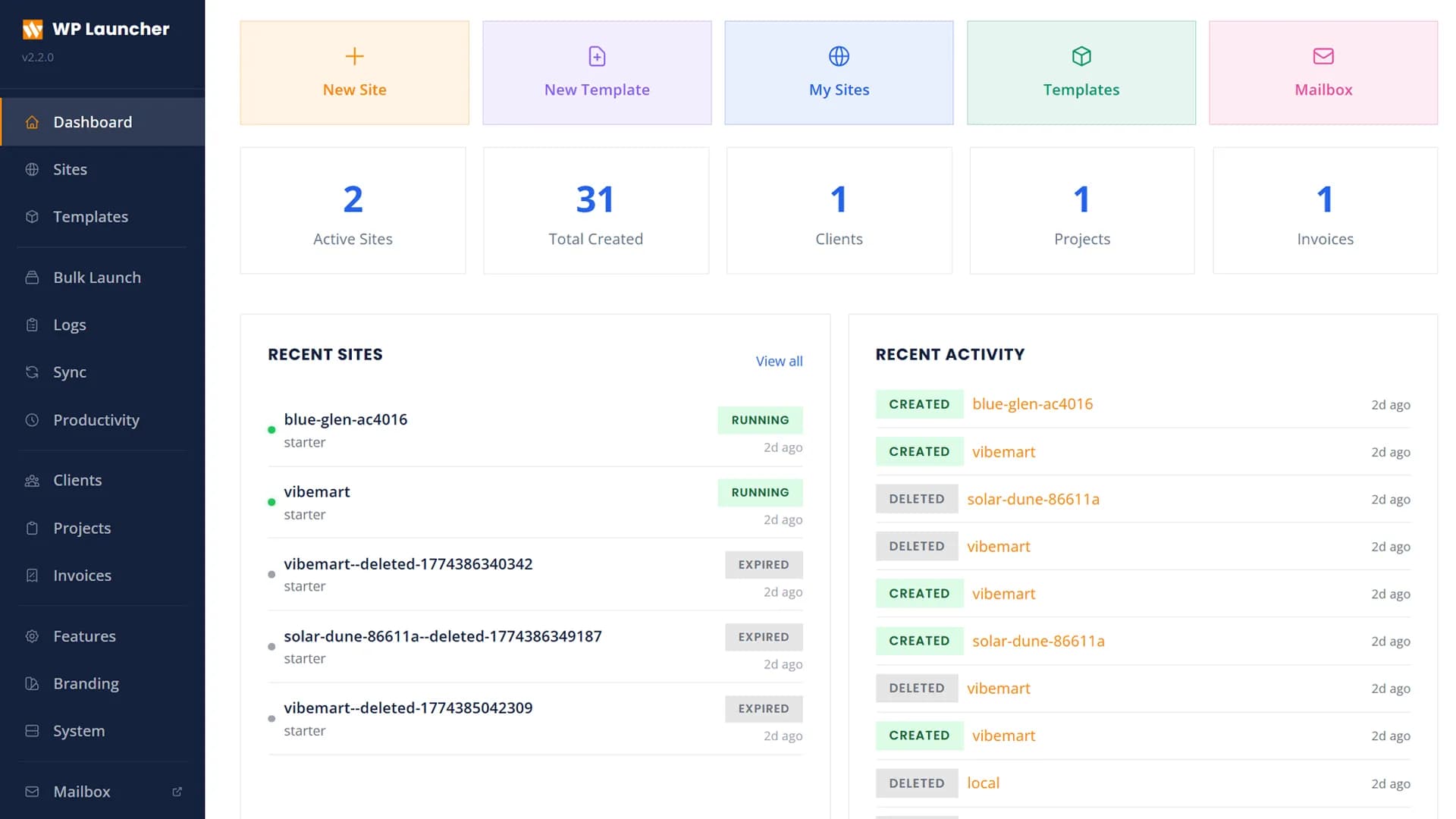
Features
- Instant Provisioning: Sites launch in ~10 seconds from pre-built Docker images with plugins, themes, and demo content baked in
- Full Isolation: Each site runs in its own Docker container with configurable memory/CPU limits
- Multi-Database: SQLite (default, fast), MySQL 8.4, or MariaDB 11 — selectable per site. MySQL/MariaDB sites get their own database and user on a shared server per engine
- Multi-PHP: PHP 7.4, 8.1, 8.2 or 8.3 selectable per site. Build images for PHP 7.4 and 8.1–8.5 from the panel (Settings → Images)
- Interactive CLI: Global
wplcommand with rich terminal dashboard for sites and services - Auto-Cleanup: Demo sites automatically expire after a configurable duration, with countdown display
- Built-in Email Testing: Mailpit catches all outgoing WordPress emails at localhost:8025
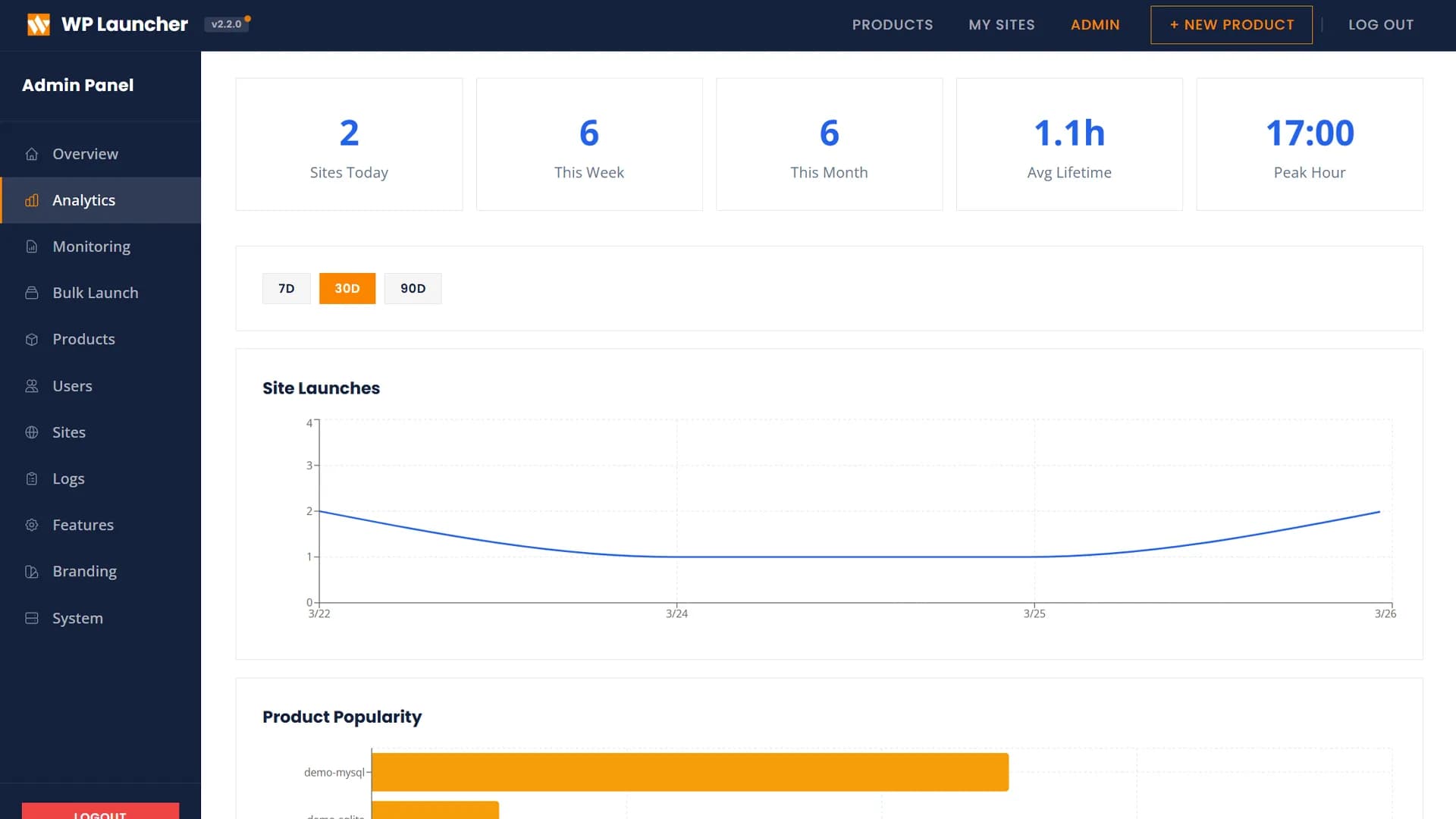
- Role-Based Admin: Full admin dashboard with 10+ management tabs, promote/demote users
- Product Templates: Pre-configured WordPress setups with plugins, themes, branding, and restrictions
- Site Health Monitoring: Real-time CPU, memory, and network stats per container
- Scheduled Launches: Schedule sites to launch automatically up to 7 days in advance
- Webhooks: Configurable webhooks for site lifecycle events (create, expire, delete)
- Password Protection: Optional password lock for demo sites
- ZIP Export: Download site content as a ZIP file from the dashboard
- Collaborative Sharing: Share sites with other users via email with viewer/editor roles
- Site Sync: Push/pull content between local and remote WordPress with automatic URL replacement
- Public Sharing: Share local sites via Cloudflare Tunnel, ngrok, or LAN
- Database Manager: Built-in Adminer for MySQL/MariaDB management
- Custom Domains: Map custom domains to individual sites with automatic SSL
- Site Cloning: Clone any site with full database and file duplication
- Snapshots: Save and restore site states
- Productivity Monitor: WakaTime-like time tracking for coding (VS Code extension) and WordPress activity (auto-tracking MU-plugin) with cloud sync and daily/hourly/weekday charts
- Mini CRM: Clients, projects with a Kanban board, invoices, payment methods, payment proofs, client conversations, and notifications
- Client Portal: Optional sign-in for your clients to see their projects and invoices, upload payment proofs, and message you
- Wildcard SSL: Automatic Let's Encrypt via Traefik (Agency Mode)
- WP-CLI: Run WP-CLI commands inside any site from your host terminal
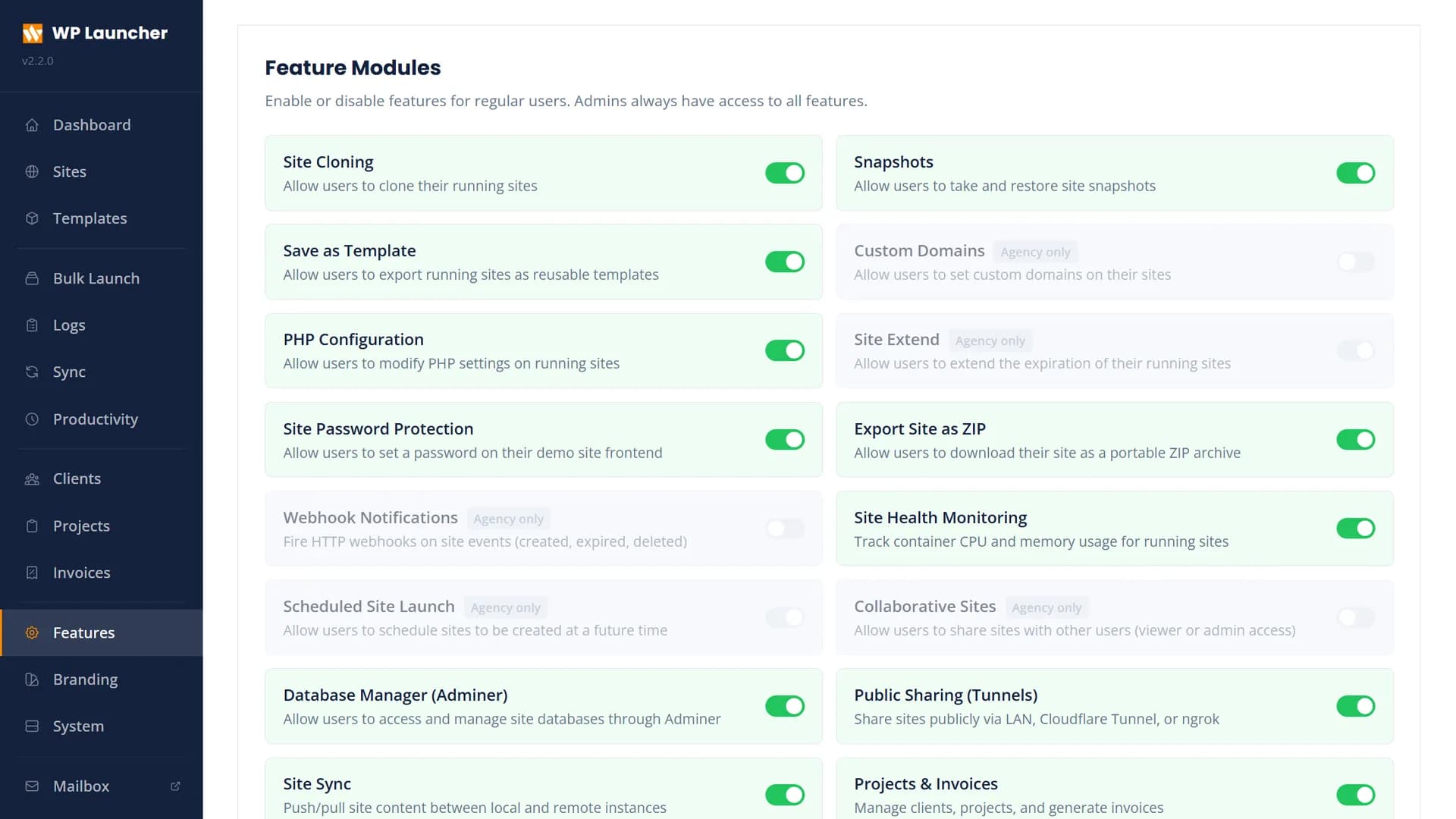
Feature Modules
Enable or disable features per user role from the admin panel. Admins always retain full access.
Creating Sites
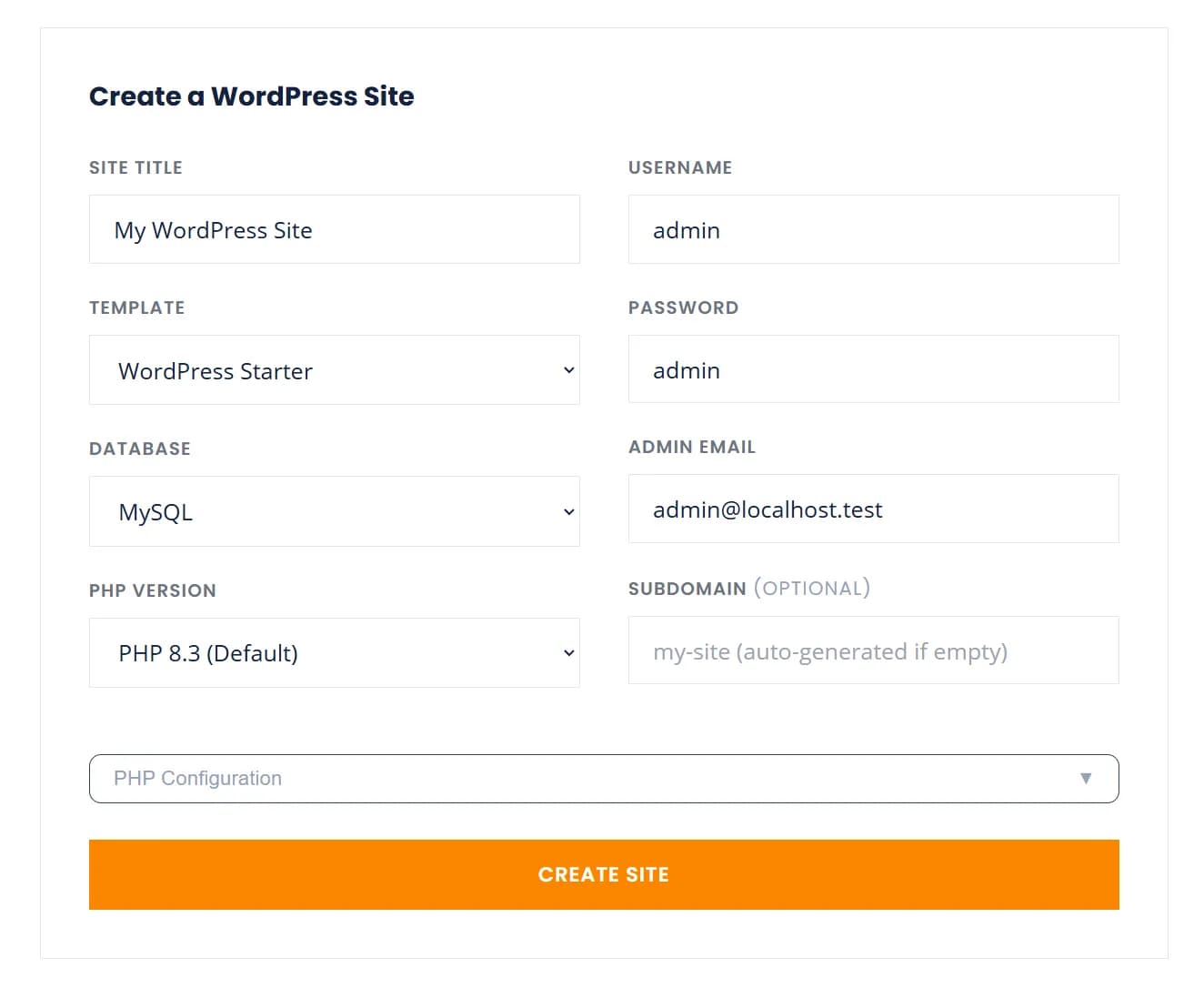
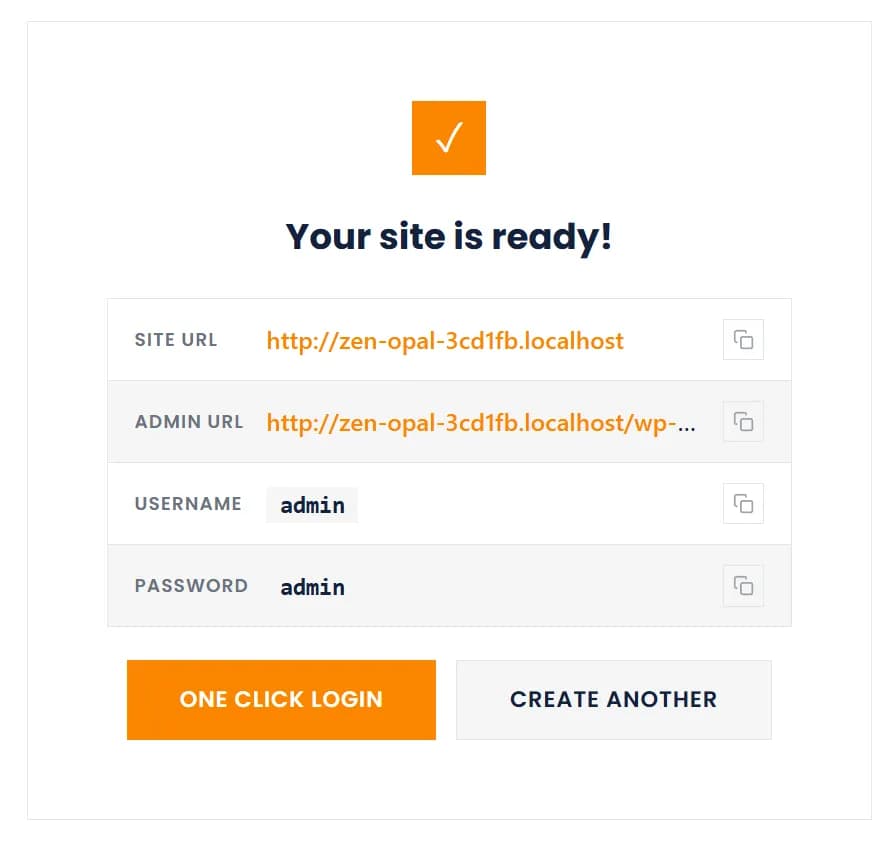
Launch a new WordPress site by filling in the site title, choosing a template, database engine, PHP version, and optional subdomain. Sites are ready in seconds.
Demo Sites (Agency Mode)
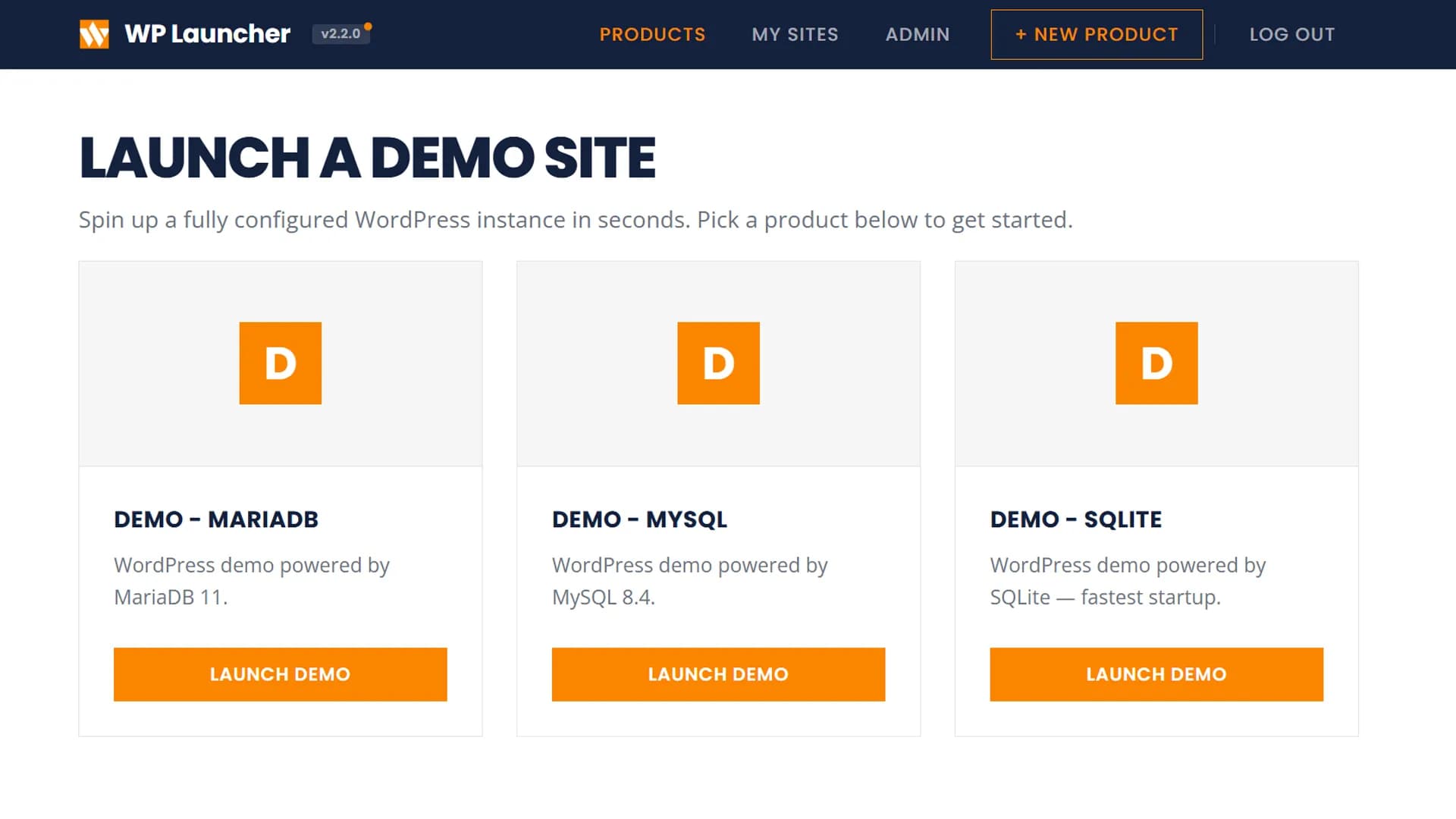
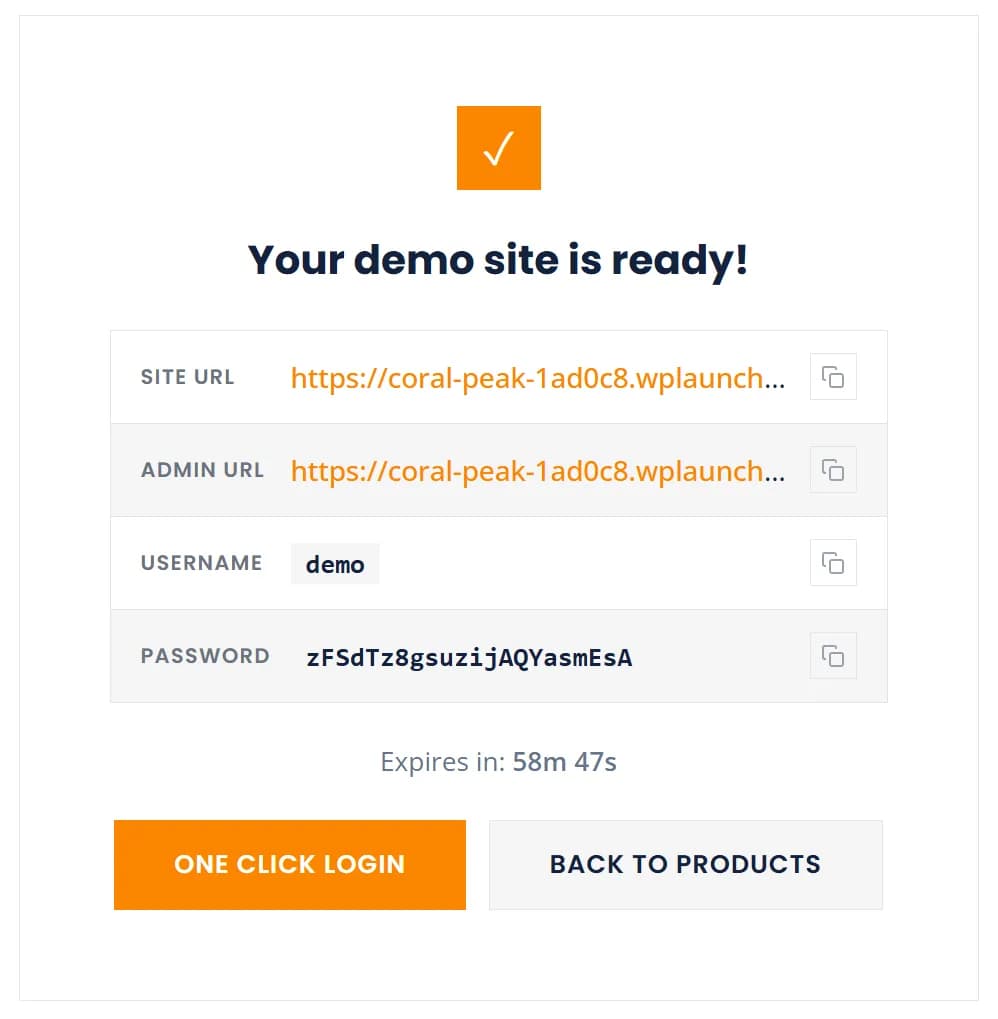
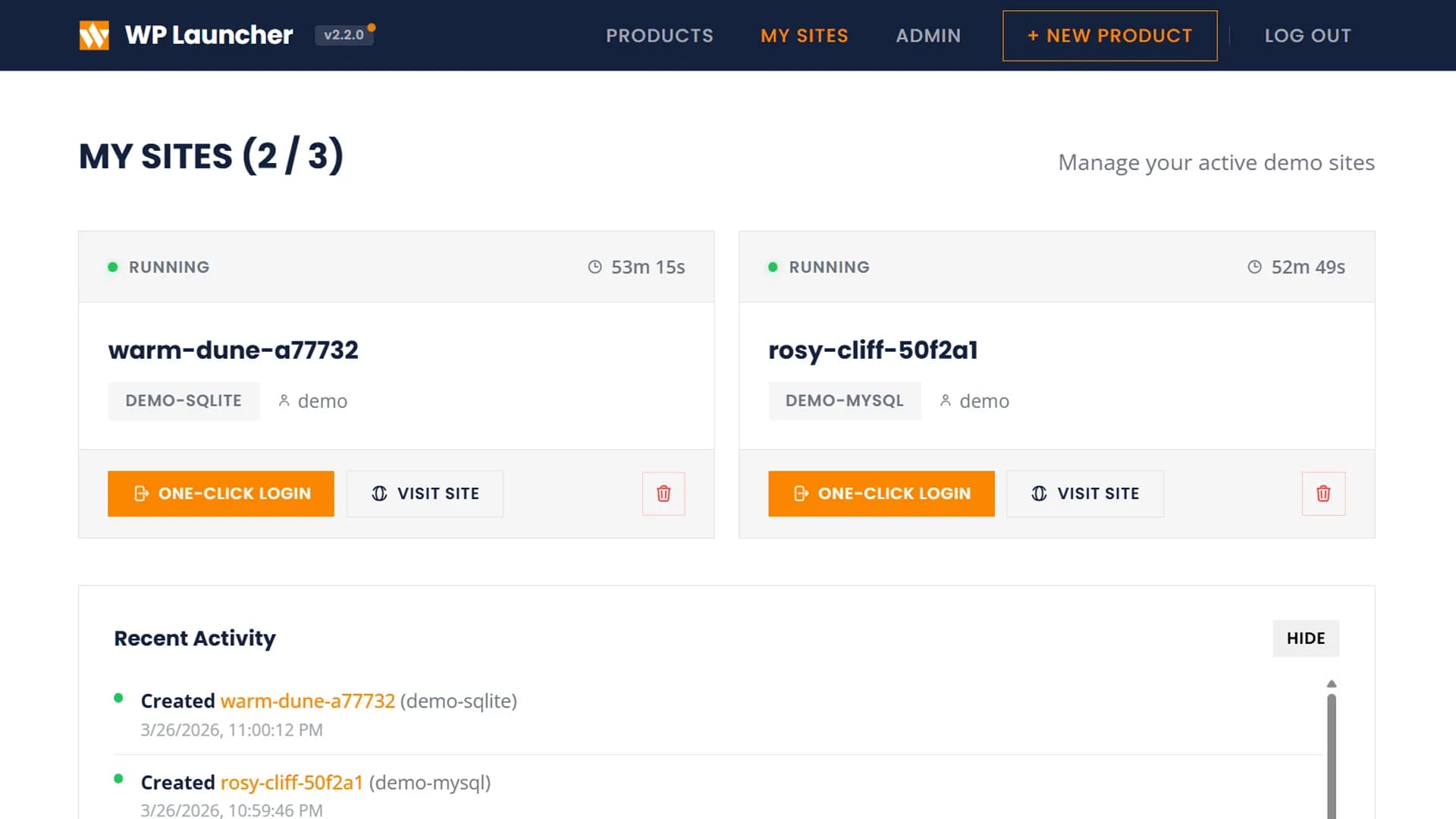
In Agency Mode, users pick a product and launch a sandboxed demo site with auto-generated credentials and a countdown timer.
Templates & Products
Templates (Local Mode)
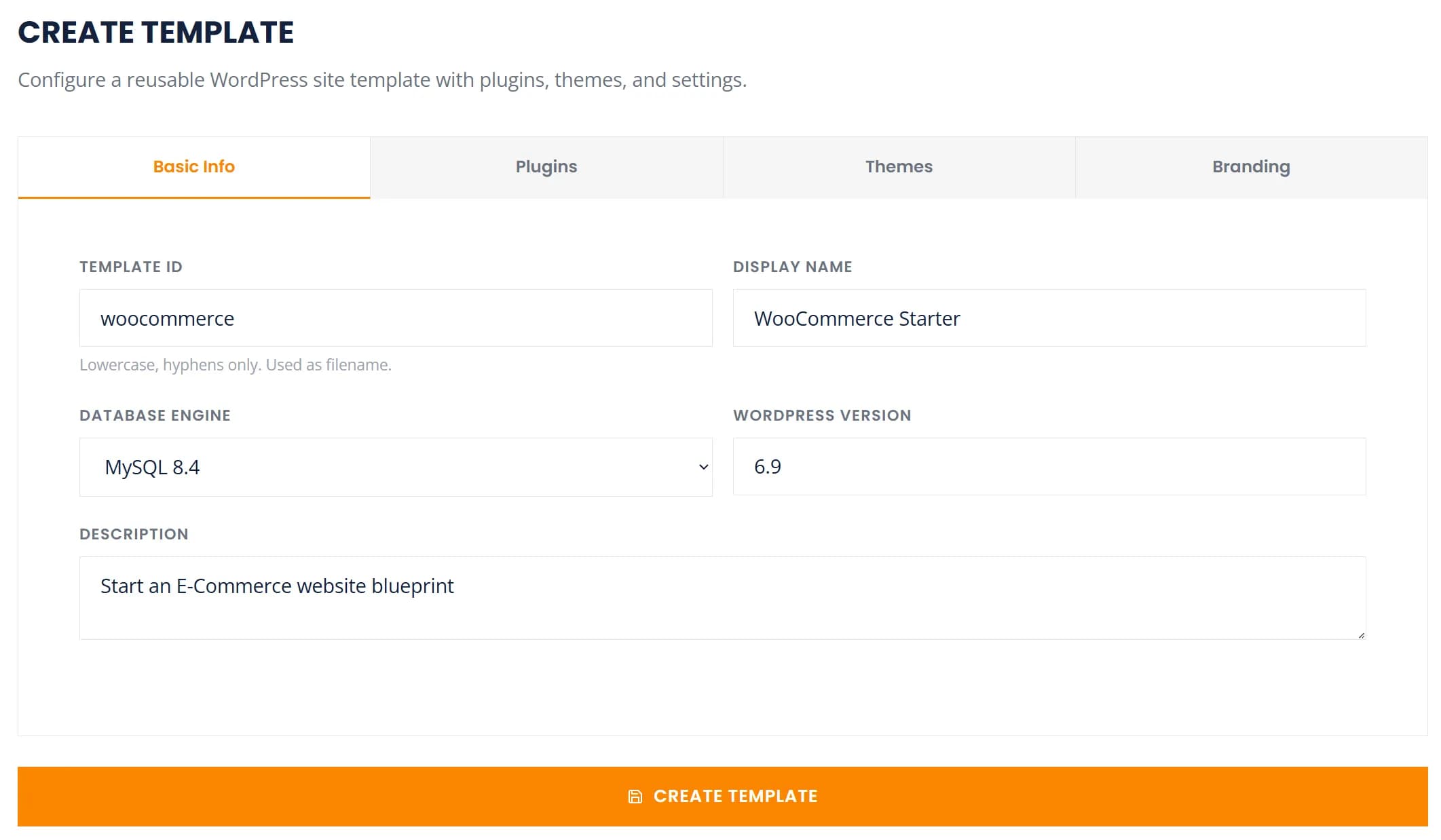
Save reusable WordPress configurations with plugins, themes, and settings. Use them to spin up consistent environments.
Products (Agency Mode)
Products define what users can launch — with plugins, themes, site defaults, restrictions, and custom branding per product.
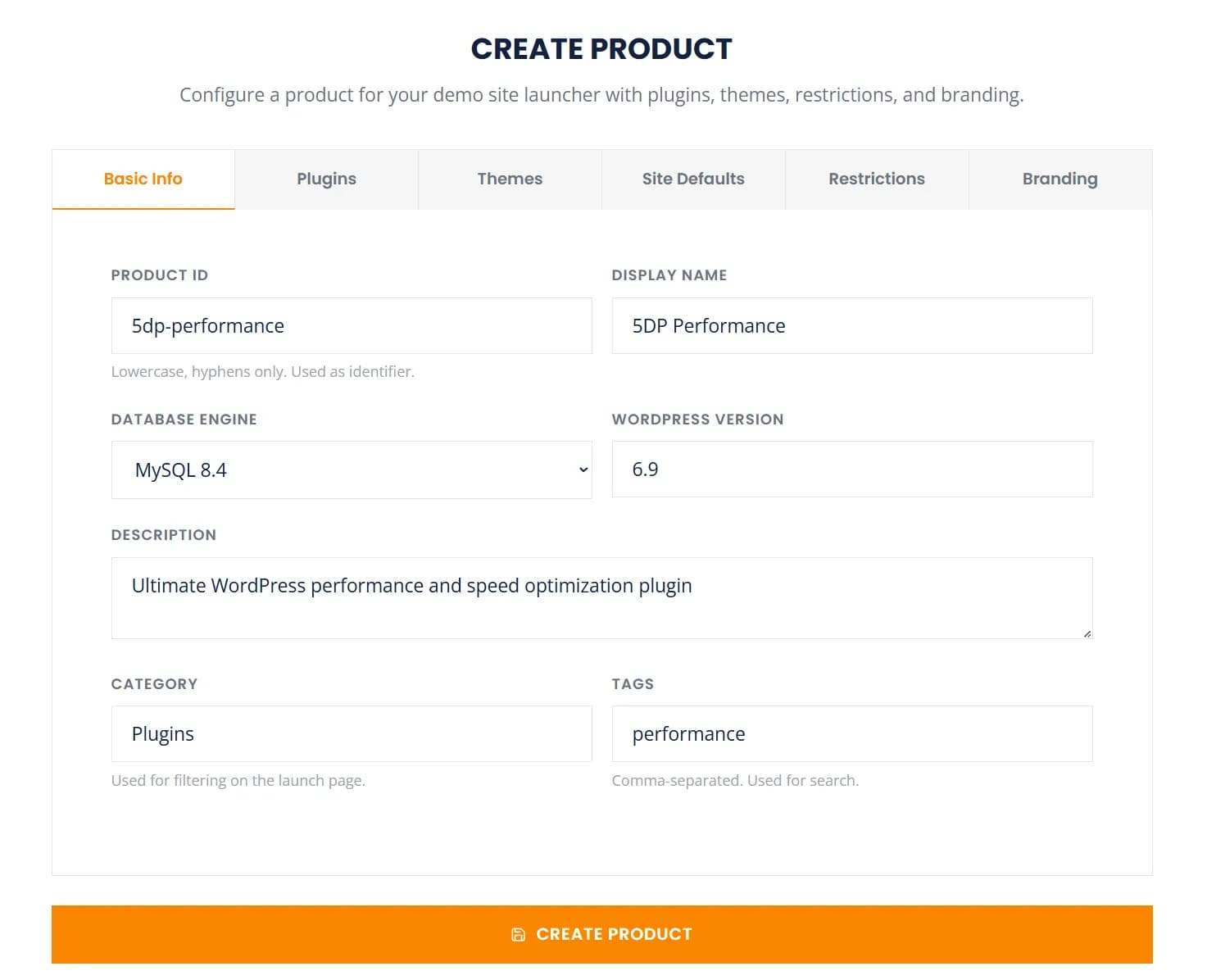
Site Sync
Push and pull site content between your local WP Launcher sites and remote WordPress installations. Install the WP Launcher Connector plugin on the remote site, then add it as a connection.
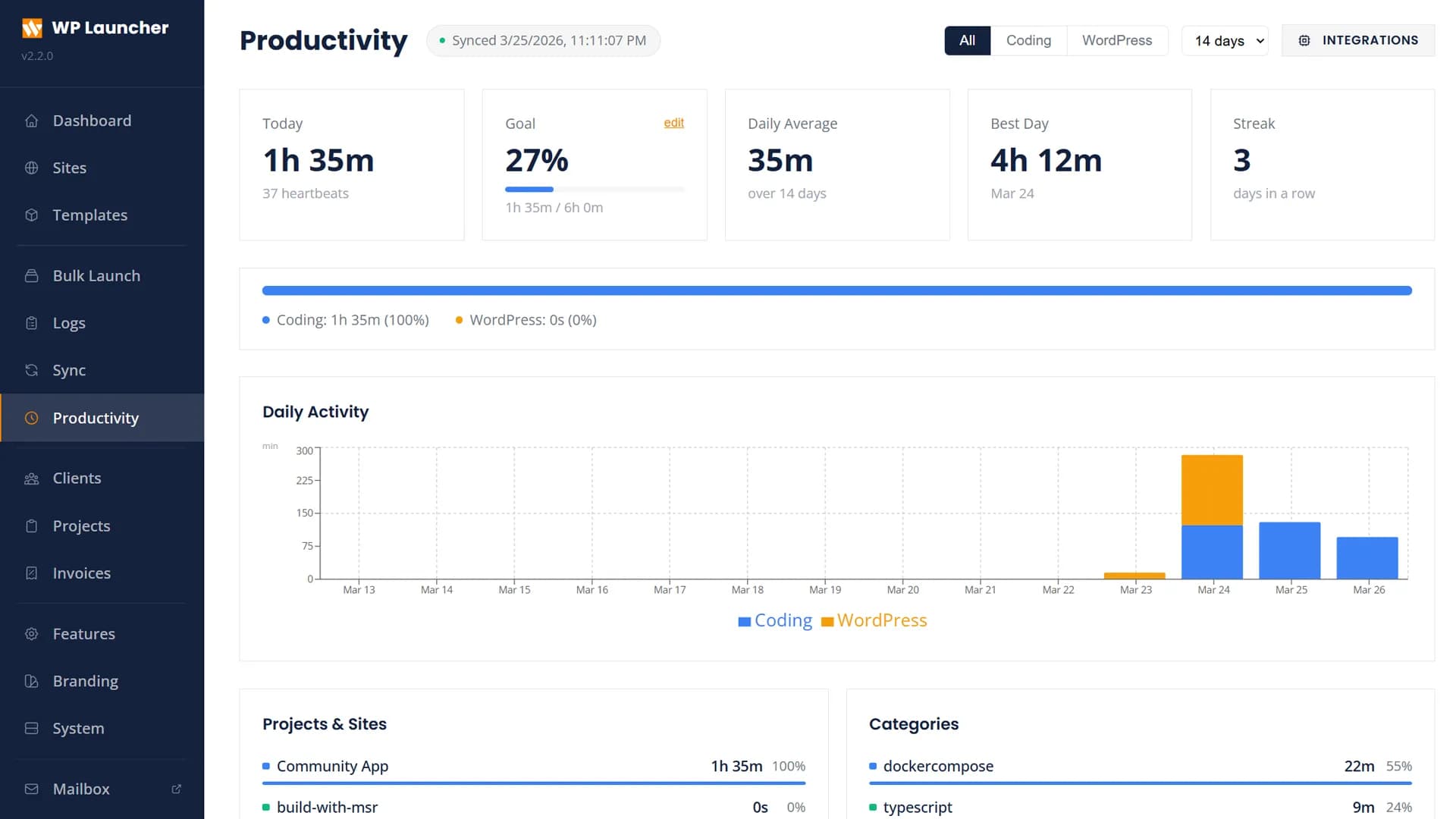
Branding
Customize the dashboard appearance with 10 built-in color palettes or define your own. Change logo, identity, and layout from the Branding panel.
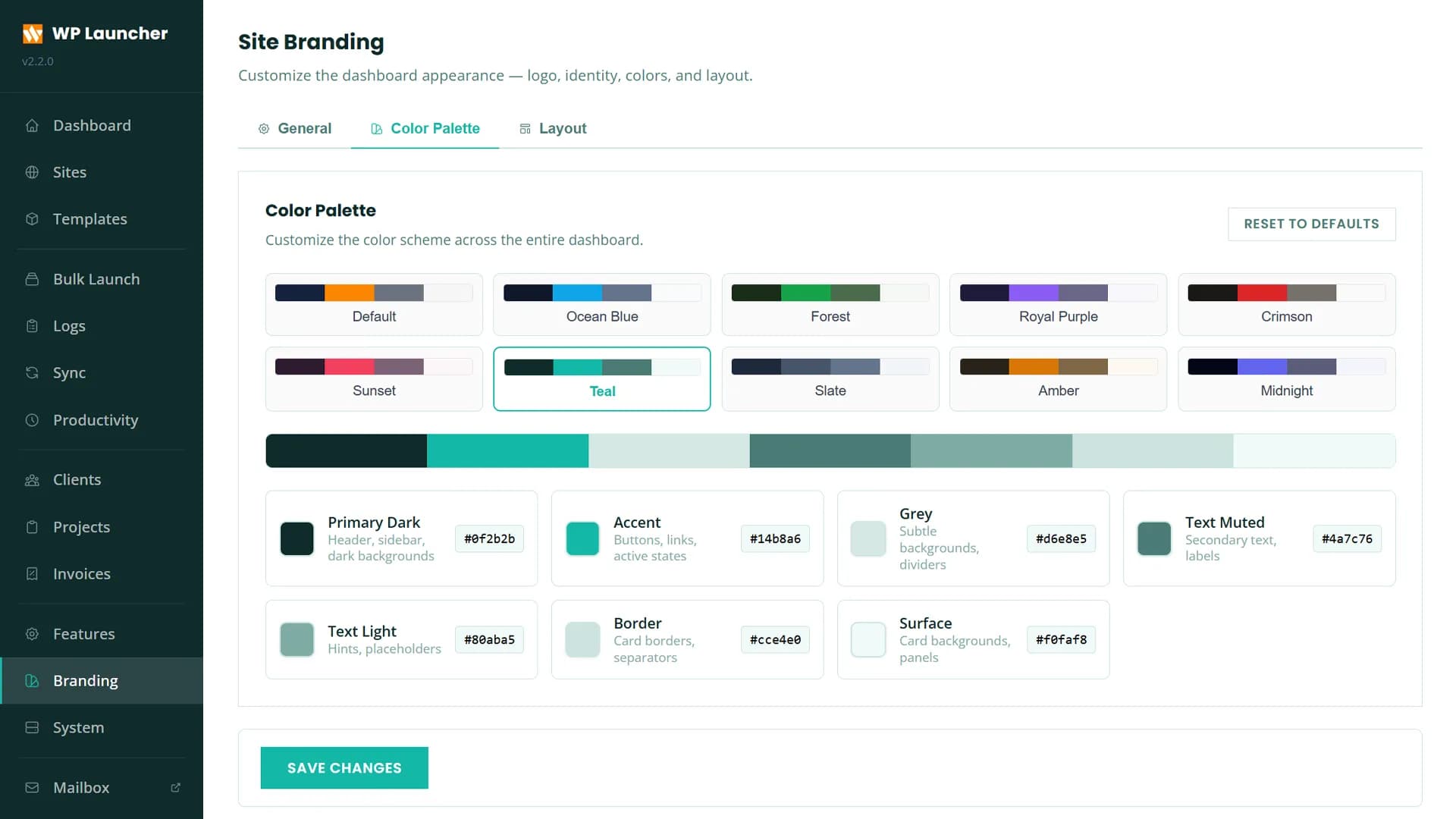
Server Monitoring
Agency Mode includes real-time server monitoring with CPU, memory, and disk usage charts plus Docker container status.
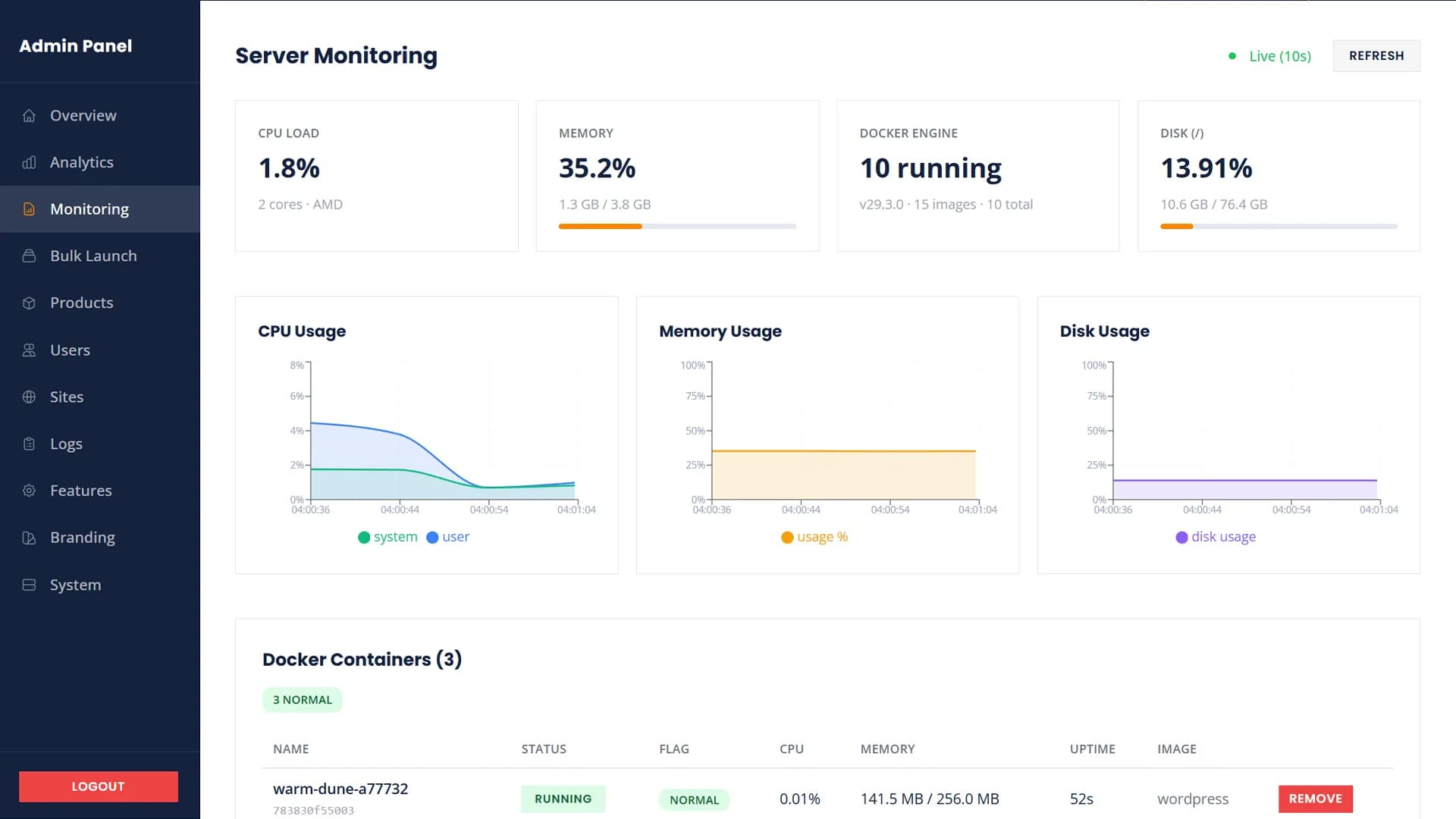
Productivity Monitor
Track your coding and WordPress time with WakaTime-like analytics. Integrates with VS Code and auto-tracks WordPress activity via a MU-plugin. View daily activity charts, project breakdowns, language categories, and time splits between coding and WordPress work.
Editor Extension Setup
- Install the WPL Productivity Tracker extension from the VS Code marketplace (
msrbuilds.wpl-productivity) - Enable the
productivityMonitorfeature flag in Admin > Features - Link your cloud account in Dashboard > Productivity > Cloud Settings
- Copy the Heartbeat Secret shown in Cloud Settings
- In VS Code Settings, search for
wplProductivity.heartbeatSecretand paste the secret
extensions/dist/ directory. All use the same heartbeat secret from Cloud Settings.Mini CRM
Run client work from the same panel you launch sites from. Enable Mini CRM under Features (the flag is still named projects, so installs that used Projects & Invoices keep their setting). Records are scoped to the staff user who created them.
- Clients & projects: Keep client details, group work into projects, and link WP Launcher sites to a project
- Project board: A Kanban board on every project. Drag cards between columns and reorder columns by their header grip. Cards carry a description, due date, labels, and staff-only notes and file attachments
- Invoices: Auto-numbered invoices with line items, tax, and a print-friendly view. Numbers are unique across the whole install
- Payment methods: One install-wide list of bank details and payment instructions. Choose which methods each invoice shows — adding a method later never changes an invoice already sent
- Payment proofs: Clients upload a receipt (PNG, JPEG, WebP or PDF, up to 5 MB). The invoice moves to Awaiting verification, never straight to Paid; you accept the proof to record the payment, or reject it with a reason the client sees
- Client conversations: One message thread per client, written from both the panel and the portal. Messages can reference a project or invoice
- Notifications: An in-app notification centre (the bell in the header), plus email set per person to immediate, daily digest (sent at 08:00) or off. Off stops the email, but the notification still appears in the bell
Client Portal
The client portal is off by default. Enable it under Features, then invite a client's people from that client's page. They sign in at /portal to see:
- Their projects — only the board columns you've marked client-visible (columns are hidden by default)
- Their invoices — never drafts or cancelled ones — with the payment details attached to each
- Their conversation with you, and their own notification preferences
Architecture
WP Launcher runs as a set of Docker Compose services:
| Service | Technology | Role |
|---|---|---|
| API | Node.js + Express + TypeScript | Core business logic, auth, site orchestration, rate limiting, webhooks |
| Provisioner | Node.js + Dockerode | Low-level Docker container and image management |
| Dashboard | React + Vite + TypeScript | User-facing SPA for launching and managing sites |
| Traefik | v3.6 Reverse Proxy | Auto-discovery, wildcard routing, Let's Encrypt SSL |
| Mailpit | Email Testing Server | Catches all outgoing WordPress emails for testing |
| WordPress | 6.7–6.9 + PHP 8.1–8.5 (7.4 with WP 6.1) | Pre-built images with WP-CLI, plugins, MU-plugins |
The management database uses SQLite (for the API itself). Each WordPress site can independently use SQLite, MySQL 8.4, or MariaDB 11 for its own WordPress database.
MySQL and MariaDB sites don't each run a database container. Each site gets its own database and user, scoped to that database, on one shared server per engine. The server starts when a site first needs it and stops when its last site is deleted, so an SQLite-only install runs neither. Sites created before v2.5.0 keep their own database container until relaunched.
Project Structure
wp-launcher/
├── docker-compose.yml        # All services
├── .env.example              # Configuration template
├── install-local.sh          # Local mode installer
├── bin/wpl                   # CLI entry point
├── packages/
│   ├── api/                  # Express API server
│   ├── provisioner/          # Docker management service
│   └── dashboard/            # React admin dashboard
├── wordpress/
│   ├── Dockerfile            # Base WP image
│   └── mu-plugins/           # Auto-installed plugins
├── products/                 # Product template JSON configs
├── product-assets/           # Plugin ZIPs, themes per product
├── templates/                # WordPress config templates
├── traefik/                  # Traefik reverse proxy config
├── scripts/                  # Build & utility scripts
└── data/                     # Runtime data (SQLite DB, volumes)
Quick Start
Local Mode
git clone https://github.com/msrbuilds/wp-launcher.git
cd wp-launcher
bash install-local.sh
The installer builds the PHP 8.3 image (add others later from Settings → Images), installs the wpl CLI globally, starts all services, and opens the dashboard at http://localhost.
Agency Mode (VPS)
curl -sSL https://wplauncher.msrbuilds.com/install.sh | bashThe installer prompts for your domain, SMTP settings, and admin credentials, then handles everything: Docker installation, secret generation, Traefik SSL, image building, and service startup.